


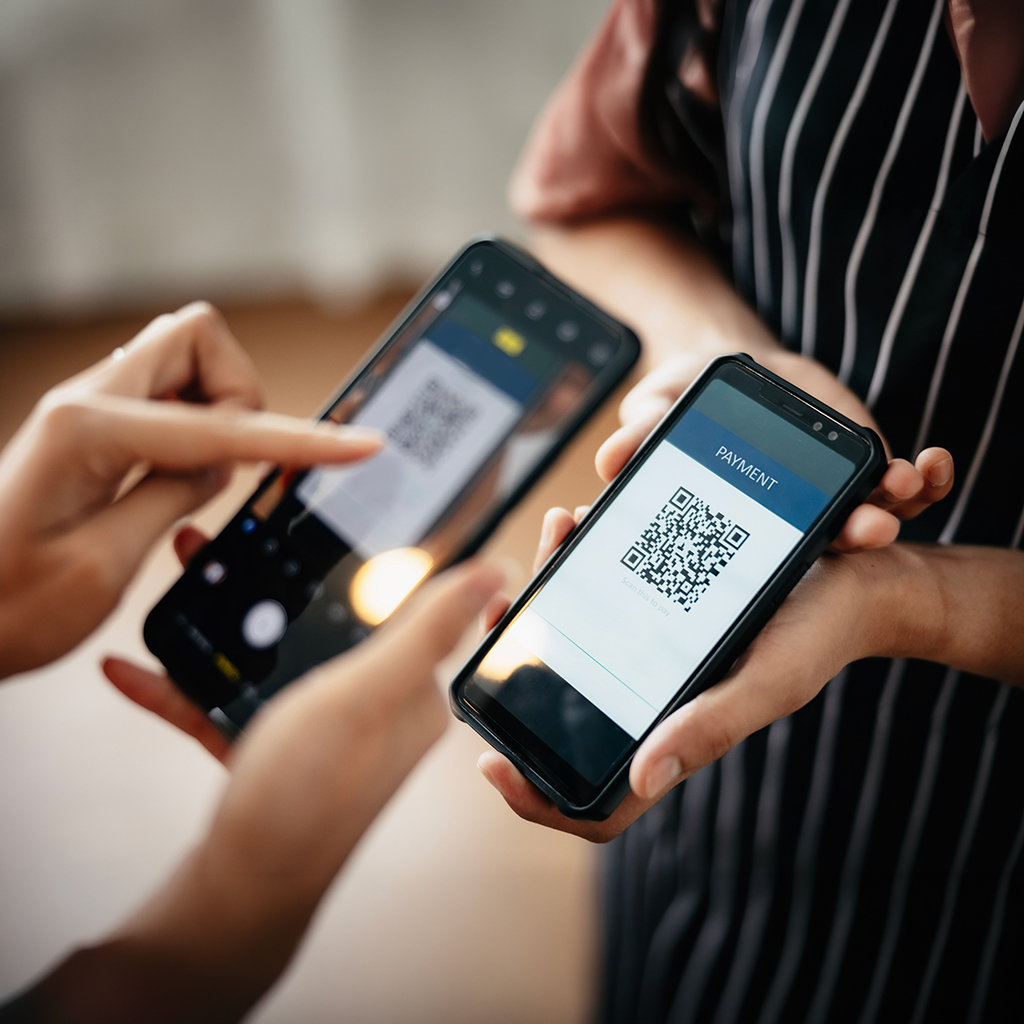
Are you a small business operator looking for simpler, lower-cost ways to accept payments? QR code payments are emerging as one such method. They’re easy to deploy, contactless, and smartphone-friendly. QR code payments are well established in Asia, and their presence in North America is growing rapidly. For small business owners, using QR codes for payments can lead to real, measurable advantages.
What is a QR code?
A QR code — short for Quick Response code — is a barcode made of black and white squares. It can store data that a smartphone camera or QR scanner reads instantly. When scanned, the code directs the user’s phone to trigger a linked action: opening a website, opening a payment link, or launching an app.
How have QR codes made waves in Asia?
In many Asian markets, QR codes are the default digital payment method. Juniper Research forecasts that the value of QR code payments in the Asia-Pacific region will grow by 300% by 2029, reaching $1.2 trillion — and that’s part of a bigger global shift: Juniper separately projects QR code payments will hit $8 trillion worldwide by 2029, a 50% increase from today.
In China, mobile apps like Alipay and WeChat Pay power daily commerce with QR code scanning at nearly every type of merchant, including street vendors and subway gates.
That widespread adoption has created a high-familiarity, high-trust cycle: consumers across Asia expect QR code payment options, and they’re accepted at an extremely broad range of businesses.
Are QR codes gaining traction in North America?
QR code adoption in North America started slowly, but usage is rising fast. In the U.S., roughly 68% of consumers report having used a QR code at least once in the past year.
Meanwhile, the U.S. QR code payments market is projected to grow strongly: it generated about USD 2,548.8 million in 2024 and is forecast to expand to USD 11,843.2 million by 2033.
In Canada, adoption is still in its early stages by comparison. According to Payments Canada’s 2023 trends report, 22% of Canadians say they’re comfortable making a store payment by QR code — rising to 32% among 18-to-34-year-olds. That’s real appetite that hasn’t fully turned into everyday habit yet, which means Canadian merchants who offer it now have a chance to stand out as early adopters before it becomes the norm.
How does QR code payment work?
From the customer’s point of view
- The customer opens their smartphone camera or a QR code-capable payment app (e.g. a digital wallet).
- They scan the merchant’s displayed QR code.
- Their phone reads the encoded data.
- The customer enters (or confirms) the amount to pay.
- They authorize the payment (e.g. via PIN, biometric, or app confirmation).
- The funds transfer near-instantly, and the customer sees confirmation.
Paying by QR code is a lot like tap-to-pay — the QR code is just the bridge instead of the NFC chip.
From the business owner’s (merchant) point of view
- The merchant displays a QR code at the checkout counter, or on receipts, invoices, or a screen.
- When a customer scans and pays, the merchant’s payment system receives a notification of the payment.
- The merchant’s account (bank or payment processor) is credited.
- The merchant’s system records the sale and updates any sales or POS records.
- The merchant exchanges the goods or services with the customer.
Because the merchant doesn’t need a card reader or physical terminal — just a way to display the code — the infrastructure cost is low. Show the code, receive the payment.
How easy is it to create a QR code that will receive payments?
You don’t need deep programming skills or a full IT department to create a QR code that will receive payments. Many payment processors, banks, or fintech platforms provide a dashboard that generates one for you: you connect your business account and payment details, and their system creates the code. After that, you just print it or display it on a screen.
How to create a QR code to receive payments
Here’s a step-by-step guide you can follow:
- Choose a QR code payment provider. Pick a payment processor, fintech, or POS system that supports QR code-based payments (e.g. OTT Pay, Square, PayPal, Stripe).
- Sign up and activate a merchant account. Provide your business information and banking details, and complete any required verification (KYC). Once approved, you’ll get access to the dashboard or merchant portal.
- Generate the QR code. In your provider’s dashboard, select “create payment QR code” or the equivalent. Choose whether it’s a static QR code (fixed account, customer enters the amount) or a dynamic QR code (amount embedded, specific to one transaction) — for dynamic codes, you can generate a new one per order or invoice. Set any parameters: currency, amount, description, expiry.
- Download or display the QR code. Print it on receipts, stickers, or signs; display it digitally on a screen, tablet, or your website; or embed it into invoices and emails.
- Test the flow. Use a smartphone to scan your QR code and run a small test payment, then confirm the funds receipt and notification behavior.
- Inform staff and customers. Train staff to prompt customers to “scan this QR code to pay,” and consider posting short instructions near the code.
- Monitor and reconcile. Check that payments are landing correctly and match your sales records as you go.
Once that’s done, you’re live — customers can scan and pay.
Ready to offer QR code payments without the setup headache? See how OTT Pay’s Payments platform makes it simple.
What are the benefits of using QR codes for payments?
For your business:
- Lower hardware cost — no need for expensive card terminals or NFC readers, especially useful for kiosks, pop-up shops, or mobile setups.
- Faster checkout — customers just scan and pay, reducing manual steps.
- Contactless and hygienic — valuable in health-conscious settings.
- Broad device compatibility — any smartphone with a camera can scan.
- Flexibility and mobility — move your checkout point easily, e.g. to an outdoor stand or pop-up.
- Simpler for small merchants — minimal setup and maintenance.
- More sales — because customers get a smoother, faster experience, businesses may see reduced abandonment at checkout and, in turn, more completed sales.
For your customers:
- Convenience — they just use their phone, no tapping or extra device.
- Speed — scanning and paying is quick.
- Safety — no need to hand a card to someone else.
- Familiarity — many customers already scan QR codes for menus, info, and apps.
Frequently asked questions
Is it safe for my business to accept QR code payments?
Yes — reputable providers encrypt transaction data and verify payments the same way they would for a card or digital wallet transaction. The main risk to guard against is code tampering (someone covering your real QR code with a fraudulent one), so check your displayed codes periodically, especially in unattended settings.
Do I need special equipment to accept QR code payments?
No. Beyond a way to display the code — a printed sign, sticker, or screen — there’s no card reader or terminal required, which is part of why QR codes are popular with pop-ups, food trucks, and small retailers.
What’s the difference between a static and a dynamic QR code?
A static code is fixed to your account and the customer enters the amount themselves. A dynamic code has the amount already embedded and is typically generated fresh for each transaction — better suited to itemized sales or invoices where you want the amount to be exact.
Conclusion
QR code payments are reshaping how commerce happens — lowering costs, simplifying checkout, and making contactless transactions widely accessible. In Asia, QR codes have already become a dominant mode of payment; in North America, adoption is accelerating, fueled by consumer familiarity with QR code scanning. As this technology becomes more commonplace, small business owners who adopt this seamless payment option early will have a real edge over those who wait.